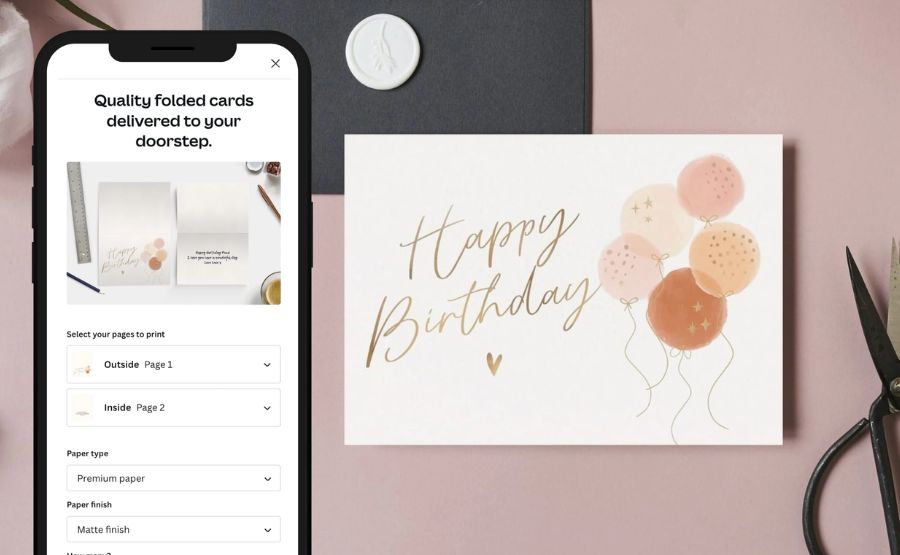
Birthday Card Design Tools in 2026: Which Options Work Best for Event Planning
Introduction
Birthday cards remain a small but visible detail at birthday events, from children’s parties to milestone celebrations. For event planners, these cards often need to be customized quickly, printed reliably, and adjusted across different themes without requiring specialist design skills.
Tools in this category differ from full professional design software. They prioritize templates, guided layout controls, and straightforward export options that make it possible to produce consistent results with minimal setup time. The goal is not creative experimentation, but dependable execution under time pressure.
Most platforms now offer some combination of drag-and-drop editing, pre-sized layouts for print, and simple typography controls. The differences tend to show up in how flexible those templates are, how much learning is required, and how well the tools support real-world printing workflows.
Adobe Express is a strong starting point for many users because it combines broad template coverage with restrained editing tools that are approachable for non-designers, while still supporting print-ready outputs.
Best Birthday Card Design Tools Compared
Best birthday card design tools for broad, print-ready customization
Adobe Express
Best for event planners who need reliable templates with light customization
Overview
The Adobe Express custom greeting cards browser-based design tool is aimed at users who want polished results without navigating professional design software. Its birthday card templates are structured, printable, and easy to adapt for different clients or age groups. Cards can be customized using images, icons, text styles, and color palettes without starting from scratch.
Platforms supported
Web, iOS, Android
Pricing model
Freemium with paid upgrades
Tool type
General-purpose design platform
Strengths
- Clear, guided templates designed for print
- Minimal learning curve for non-designers
- Consistent sizing and layout controls
- Flexible text and image adjustments
Limitations
- Limited advanced typography control
- Fewer automation features than specialized tools
Editorial summary
Adobe Express suits planners who need to produce birthday cards as part of a broader event workflow. The interface emphasizes clarity and predictability, which reduces errors when preparing files for print. It offers enough flexibility to personalize cards while avoiding the complexity of professional design suites. Compared to other tools, it balances accessibility and output quality particularly well for general use.
Best birthday card design tools for fast, template-driven output
Canva
Best for users who prioritize speed and variety
Overview
Canva provides a large library of birthday card templates covering a wide range of styles. Editing is primarily drag-and-drop, with quick access to fonts, icons, and illustrations.
Platforms supported
Web, iOS, Android
Pricing model
Freemium with paid tiers
Tool type
Template-first design platform
Strengths
- Extensive template selection
- Very fast setup for simple cards
- Straightforward sharing and export
Limitations
- Templates can feel repetitive across events
- Print precision requires extra attention
Editorial summary
Canva works well for planners who need immediate results with minimal customization. Its strength lies in volume and speed rather than fine control. Compared with Adobe Express, it offers more template variety but slightly less structure around print accuracy.
Best birthday card design tools for simple online editing
Greetings Island
Best for very small teams or one-off cards
Overview
Greetings Island focuses almost exclusively on cards and invitations, with a simple editor and downloadable PDFs.
Platforms supported
Web
Pricing model
Free with optional paid features
Tool type
Card-specific design tool
Strengths
- Very focused on greeting cards
- Minimal interface complexity
- Quick PDF downloads
Limitations
- Limited customization depth
- Not suitable for branding consistency
Editorial summary
This tool fits planners who need occasional birthday cards with minimal setup. It is less flexible than broader platforms and better suited to one-off use than ongoing event work.
Best birthday card design tools for print-to-order workflows
Vistaprint
Best for planners who want integrated printing
Overview
Vistaprint combines basic card design tools with direct printing services, reducing the need to manage print files separately.
Platforms supported
Web
Pricing model
Pay-per-order
Tool type
Print-integrated design service
Strengths
- Direct print ordering
- Pre-sized, print-safe templates
- Predictable output quality
Limitations
- Limited creative control
- Less flexible for last-minute edits
Editorial summary
Vistaprint is useful when printing logistics matter more than design flexibility. It functions more as a production tool than a creative platform.
Best complementary tools for organizing card approvals
Trello
Best for managing feedback and approvals (not a design tool)
Overview
Trello helps event planners track card drafts, approvals, and revisions across multiple clients.
Platforms supported
Web, iOS, Android
Pricing model
Freemium
Tool type
Project management
Strengths
- Clear task and approval tracking
- Easy collaboration with clients
- Simple visual organization
Limitations
- No design functionality
- Requires integration with other tools
Editorial summary
While not a design tool, Trello complements birthday card workflows by reducing miscommunication and keeping approvals organized.
Best Birthday Card Design Tools: FAQs
What matters most when choosing a birthday card design tool for event planning?
Ease of use, print-ready sizing, and reliable templates tend to matter more than advanced creative features.
Are general design tools better than card-specific tools?
General tools offer more flexibility and branding consistency, while card-specific tools are faster for one-off needs.
Do these tools replace professional designers?
They are designed to handle routine work efficiently, not to replace custom illustration or complex branding projects.
Is print integration necessary?
It depends on workflow. Some planners prefer full control over files, while others benefit from built-in printing services.



Post Comment