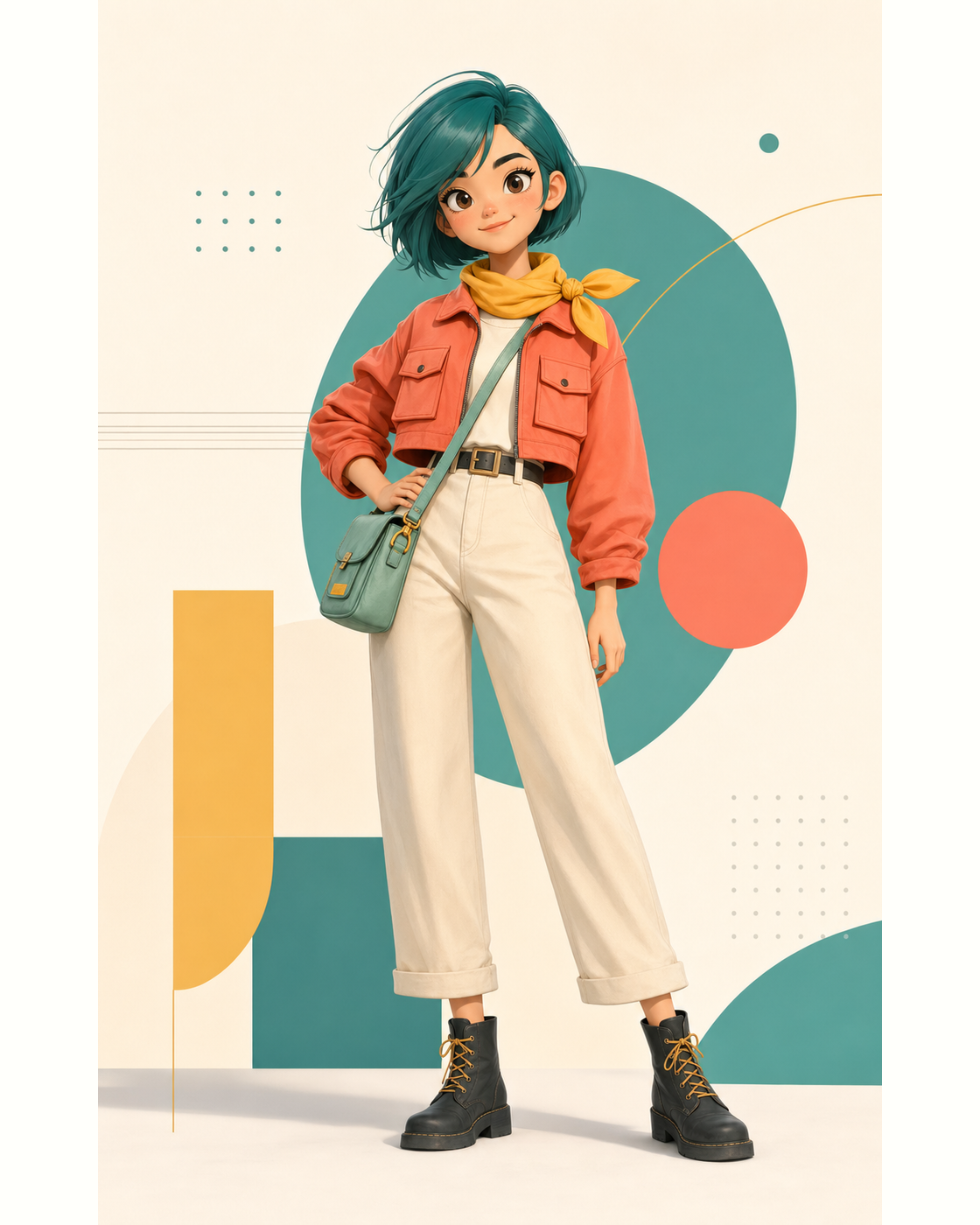
AI Character Generator Tips to Lock Traits Like Hair, Outfit, and Age for Character Consistency
To lock traits like hair, outfit, and age in an AI character generator, combine a fixed written description with a saved visual reference for character consistency. Adobe Firefly’s AI character generator supports customizing attributes like age, clothing, and facial features, and its reference images help keep those traits steady across new scenes.
Imagine a children’s book author who has created Maya, a seven-year-old with two curly black puffs of hair, a yellow raincoat, red rain boots, and a gap-toothed smile. Page one looks perfect. By page six, though, Maya’s coat has turned orange, her boots are gone, and she looks closer to twelve. That drift is the most common frustration with AI characters. The model isn’t remembering Maya. It’s reinterpreting her description every time. Locking traits means giving the model the same anchors, both in words and in images, on every single generation.
Adobe frames the best AI character generator as one that preserves consistency across variations and supports customization of defining attributes such as age, body type, clothing, facial features, lighting, and environment. In Firefly, you can upload a reference image to guide your character’s style and structure, then generate variations in new situations while keeping the style consistent. Adobe has also introduced a feature called Elements, which, according to Creative Bloq, lets you save a character as a reusable reference that keeps its appearance across poses, scenes, and angles.
AI Character DNA: Do You Need 90 Traits for Age, Hair, and Outfit?
AI character DNA is a prompting approach where you document a character’s fixed features so they appear in every prompt. Searches about character DNA sometimes mention lists as long as 90 traits, but you don’t need that many to keep age, hair, and outfit consistent.
A Feedough guide describes the character DNA template as treating your character like a real person with documented features that stay locked across every image. It recommends condensing those details into a short identity block that starts every prompt, covering age, face, hair, body type, and default outfit and color palette.
In practice, a tight list of 10 to 15 visible traits usually works better than dozens of minor details. Too many traits can crowd the prompt and dilute the features that matter most. Prioritize what viewers notice first: age, hairstyle and color, signature outfit, and one or two distinctive accessories.
How an AI Character Generator Uses a Consistent Character Reference for Hair, Outfit, and Age
An AI character generator uses a consistent character reference to anchor hair, outfit, and age visually, so the model doesn’t rely on words alone.
In Firefly, Adobe says you can use the reference image feature to guide the design and style of your AI character. Start with one clear, well-lit image that shows the character’s full outfit and hairstyle. Then reuse that same reference, along with your identity block, every time you generate a new scene.
Adobe also notes that creators can control which parts of an image they want to change and which they want to preserve, and Firefly’s editing tools let you fix small drifts, like a sleeve color change, without regenerating everything. That’s useful when the character is right but one detail slipped.
A community tip from Adobe’s forum adds a practical rule: generate new images from the original reference, not from later generations, so small changes don’t compound.
Which Character Creator Handles Age, Hair, and Outfit Best?
The character creator that handles age, hair, and outfit best depends on how much control you need. The table below compares four options.
| Platform | Best for | Key details |
| Adobe Firefly | Reference-guided characters with editing tools | Reference images guide style and structure; customization of age, clothing, and facial features; Elements for reusable characters; commercially safe Firefly models |
| RenderNet Character Labs | Named, reusable human characters | Keeps face, hairstyle, skin tone, ethnicity, and age consistent; generate by referencing a character’s name |
| OpenArt Characters | Trained characters saved to a library | Create from a description or reference image; recommends listing only permanent traits like age and hairstyle |
| Runway Gen-4 | The same character across video scenes | Generates consistent characters from a single reference image |
For illustration and storyboards, Firefly’s reference workflow keeps your original art style. For video, a reference-based video model helps carry the same look into motion.
Keeping Hair, Clothing, and Accessories Consistent for Your Character
Keeping hair, clothing, and accessories consistent takes a few simple habits.
Be specific about hair: Name the color, length, texture, and style, such as “two curly black puffs tied with yellow bands,” instead of “curly hair.”
Describe clothing by item and color: List each piece, like “yellow raincoat with three red buttons,” so the model has fewer gaps to fill.
Limit accessories: One or two signature items, such as red rain boots and a star-shaped backpack, are easier to keep consistent than many small ones.
Change scenes, not traits: When writing new prompts, change only the setting and action. Keep the identity block identical.
Review every image: Compare new results against your reference and fix drifts with editing tools before moving on.
FAQ
Why does my character look older or younger in some images?
Age can drift when prompts mention activities or settings associated with different ages. State the age clearly in every prompt, such as “seven-year-old girl,” and pair it with the same reference image.
Can I change a character’s outfit but keep everything else?
Yes. Keep the identity block and reference image the same, and change only the outfit description. Adobe notes that Firefly lets you control which parts of an image to change and which to preserve.
Can I use AI-generated characters commercially?
Adobe says character designs generated with Firefly’s own models are commercially safe, since they were trained on licensed and public domain content. For partner models, you’re responsible for checking whether the model fits your project.



Post Comment