How to Turn Your Ideas Into Videos for Free Using AI
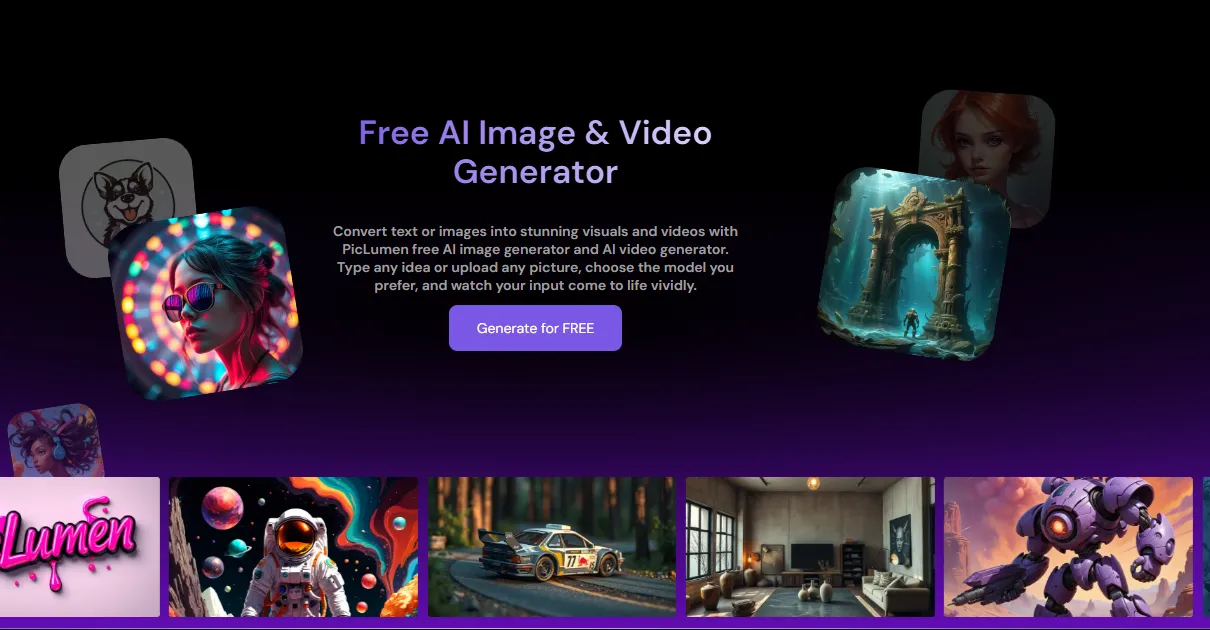
Creating videos used to take expensive equipment, editing software, and hours of work. Today, AI has changed all of that. With the rise of text to video AI free online tools, anyone can type a few words and get a polished video in minutes — no skills required.
Whether you’re a content creator, small business owner, or just someone who wants to make something cool, free AI video tools are worth knowing about.
What Is Text to Video AI?
Text to video AI is exactly what it sounds like: you type a description, and the AI generates a video based on your words.
For example, you might type: “A golden retriever running on a beach at sunset.” The AI reads your prompt and creates a short video clip that matches it. Some tools go even further — they can generate realistic motion, cinematic lighting, and smooth transitions automatically.
This technology uses deep learning models trained on millions of videos and images. The result is a system that understands visual concepts and can bring them to life from plain text.
Why Free Tools Matter
Not everyone has a budget for premium software. Freelancers, students, bloggers, and small teams often need video content but can’t justify spending hundreds of dollars a month on tools.
Free text to video AI tools solve this problem. They lower the barrier to entry and let more people experiment with AI-generated content. Many free options are surprisingly capable — good enough for social media posts, product demos, concept visualizations, and creative projects.
What to Look for in a Free AI Video Generator
Not all free tools are created equal. Here are a few things worth checking before you commit to one:
Video quality — Does the output look smooth and realistic, or does it appear blurry and choppy? High-quality motion and details matter for a professional result.
Prompt understanding — Can the tool accurately interpret your description? A good AI should capture the mood, subject, and style you describe.
Speed — Waiting 20 minutes for a short clip is frustrating. Look for tools that generate videos quickly.
Free tier limits — Some tools offer free access but limit the number of videos you can make per day or cap the video length. Understand what you’re getting before signing up.
Ease of use — If the interface is confusing, you’ll spend more time figuring it out than actually creating. Simple, clean tools are usually better for beginners.
A Tool Worth Trying: Seedance
One platform that has been getting attention is Seedance free. It offers a free tier that lets users generate AI videos directly from text prompts — no downloads or installations needed.
Seedance is built with usability in mind. The interface is clean, the prompts are easy to write, and the output quality holds up well compared to many paid alternatives. It’s a good starting point if you’re new to text to video AI and want to try it without spending money.
For users who want more power and flexibility, Seedance 2.0 takes things further. The updated model produces more realistic motion, better prompt accuracy, and improved visual quality overall. It’s a noticeable upgrade — especially for anyone creating content that needs to look polished.
Tips for Writing Better AI Video Prompts
Getting good results from a text to video AI tool comes down to how you write your prompts. Here are a few simple tips:
Be specific. Instead of “a car,” try “a red sports car driving through a foggy mountain road at dusk.” The more detail you give, the more accurately the AI can match your vision.
Include the mood or style. Words like “cinematic,” “realistic,” “animated,” or “dramatic” help set the visual tone.
Keep it focused. Trying to pack too many elements into one prompt can confuse the AI. Stick to one clear scene or idea.
Experiment. AI video generation is still evolving. Try different variations of the same prompt to see which one gives the best result.
The Bigger Picture
Text to video AI is part of a much larger shift in how content gets made. A few years ago, producing a short marketing video required a camera crew, a script, a director, and post-production editing. Now, a single person with a laptop and a good idea can do it in minutes.
This doesn’t mean professional video production is going away — it means more people have access to creative tools than ever before. For small creators and businesses, that’s a real opportunity.
Free tools like Seedance make this technology accessible without a financial commitment. If you’ve been curious about AI video generation but haven’t tried it yet, there’s no reason to wait.
Final Thoughts
Text to video AI is one of the most exciting developments in content creation right now. The quality is improving fast, and free options mean you don’t need a big budget to get started.
Start with a simple idea. Write a clear prompt. Hit generate. You might be surprised at what AI can create from just a few words.


Post Comment